
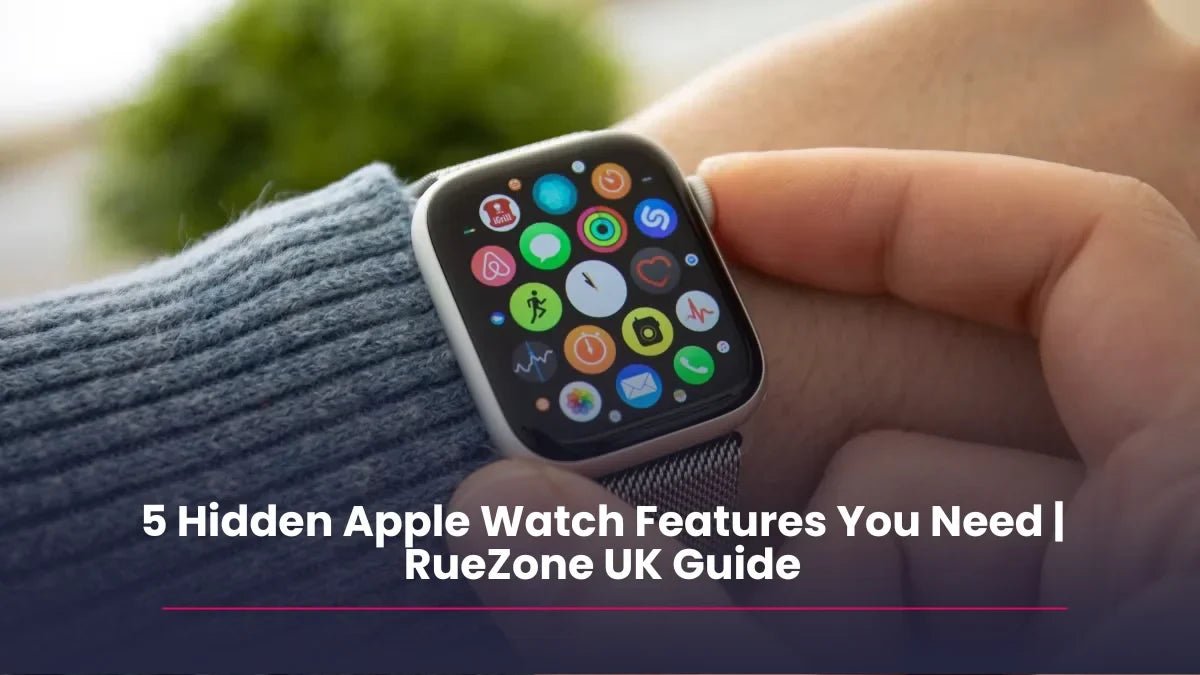
By 2026, the Apple Watch has transitioned from being a "luxury iPhone accessory" to a critical tool for health, productivity, and personal safety. While most users know how to track a run or check a text, the latest updates in watchOS 26 and the hardware in the Series 11 and Ultra 3 have introduced capabilities that many are completely overlooking.
At RueZone, we see thousands of devices pass through our refurbishment centre, and we’re often surprised by how few people utilise the truly "game-changing" tools strapped to their wrists. Whether you’re using the latest model or a high-value refurbished Series 10, here are the top five features you didn’t know you needed.
1. Hypertension & Sleep Apnea Notifications
In 2026, Apple’s focus on "preventative health" has reached a new peak. While the heart rate monitor is standard, two newer features are quiet lifesavers.
- Hypertension Alerts: Using the optical heart sensor to monitor how your blood vessels respond to your heartbeat, the watch can now flag signs of chronic high blood pressure.
- Sleep Apnea Detection: By monitoring "Breathing Disturbances" over a 30-day period, the watch can alert you to potential sleep apnea—a condition that affects millions of UK adults often without them knowing.
Why you need it: These aren't just data points; they are early warning systems that provide a PDF report you can take directly to your GP.
2. The "Double Tap" & Wrist Flick Gestures
Ever found yourself with your hands full—perhaps carrying groceries or a toddler—when your watch starts ringing?
Introduced in the Series 9 and perfected in the Series 11, the Double Tap gesture allows you to answer calls, stop timers, or snooze alarms by simply tapping your index finger and thumb together twice. For those with older models like the Series 7 or 8, the "Wrist Flick" in Accessibility settings offers similar hands-free control.
Why you need it: It turns your watch into a truly "glance-and-go" device that doesn't require two hands to operate.
3. Vitals App: Knowing You’re Ill Before You Feel It
The Vitals app (introduced in watchOS 11 and refined in 2026) is the "check engine light" for your body. It tracks your heart rate, respiratory rate, wrist temperature, and blood oxygen overnight to establish a baseline.
If two or more of these metrics fall outside your typical range, the watch sends a notification. Often, this happens before you feel the first symptoms of a cold or the effects of overtraining.
Why you need it: It gives you the "permission" to take a rest day or prioritise sleep before you actually crash.
4. Live Listen & Real-Time Transcription
This is a hidden gem for accessibility and productivity. By using Live Listen, you can use your iPhone as a remote microphone that streams directly to your AirPods. In 2026, the Apple Watch adds a Live Transcription window to this feature.
Why you need it: If you’re in a noisy UK pub or a lecture hall, you can place your phone near the speaker and read the transcription on your wrist while hearing the audio clearly in your ears. It is a superpower for focus.
5. Offline Maps & "Backtrack" for the Everyday
You don't need to be an elite hiker with an Apple Watch Ultra to need this. You can now download Offline Maps on your iPhone that automatically sync to your Watch.
Pair this with the Backtrack feature in the Compass app—which uses GPS to create a digital breadcrumb trail of where you've been—and you have the perfect safety net for exploring new cities or large car parks.
Why you need it: It ensures you’re never lost, even if you lose cellular signal in a rural "dead zone" or a concrete parking structure.
Conclusion: Get the Features, Skip the "New" Price
The beauty of Apple’s ecosystem is that many of these revolutionary features are available on models from the last three years. You don't need to spend £799 on the latest release to access life-saving health alerts or smarter gestures.
At RueZone, our refurbished Apple Watches are tested across 30+ points of hardware and software to ensure every sensor—from the ECG to the Blood Oxygen monitor—works perfectly.
Relevant FAQs
Which Apple Watch models support Sleep Apnea detection?
In 2026, this feature is available on the Series 9, 10, 11, and both Ultra models, provided they are running the latest version of watchOS.
Does the "Double Tap" gesture work on refurbished watches?
Yes! As long as you purchase a Series 9 or newer, the hardware required for the Double Tap gesture is built-in and fully functional on our refurbished units.
Can I use these features without a cellular plan?
Most features, including health notifications and gestures, work perfectly on GPS-only models. You only need a cellular plan if you want to receive calls and use maps away from your iPhone.
Shop smart. Live better. Browse RueZone's Apple Watch Collection.